Glowing Geometric Donut
About Glowing Geometric Donut
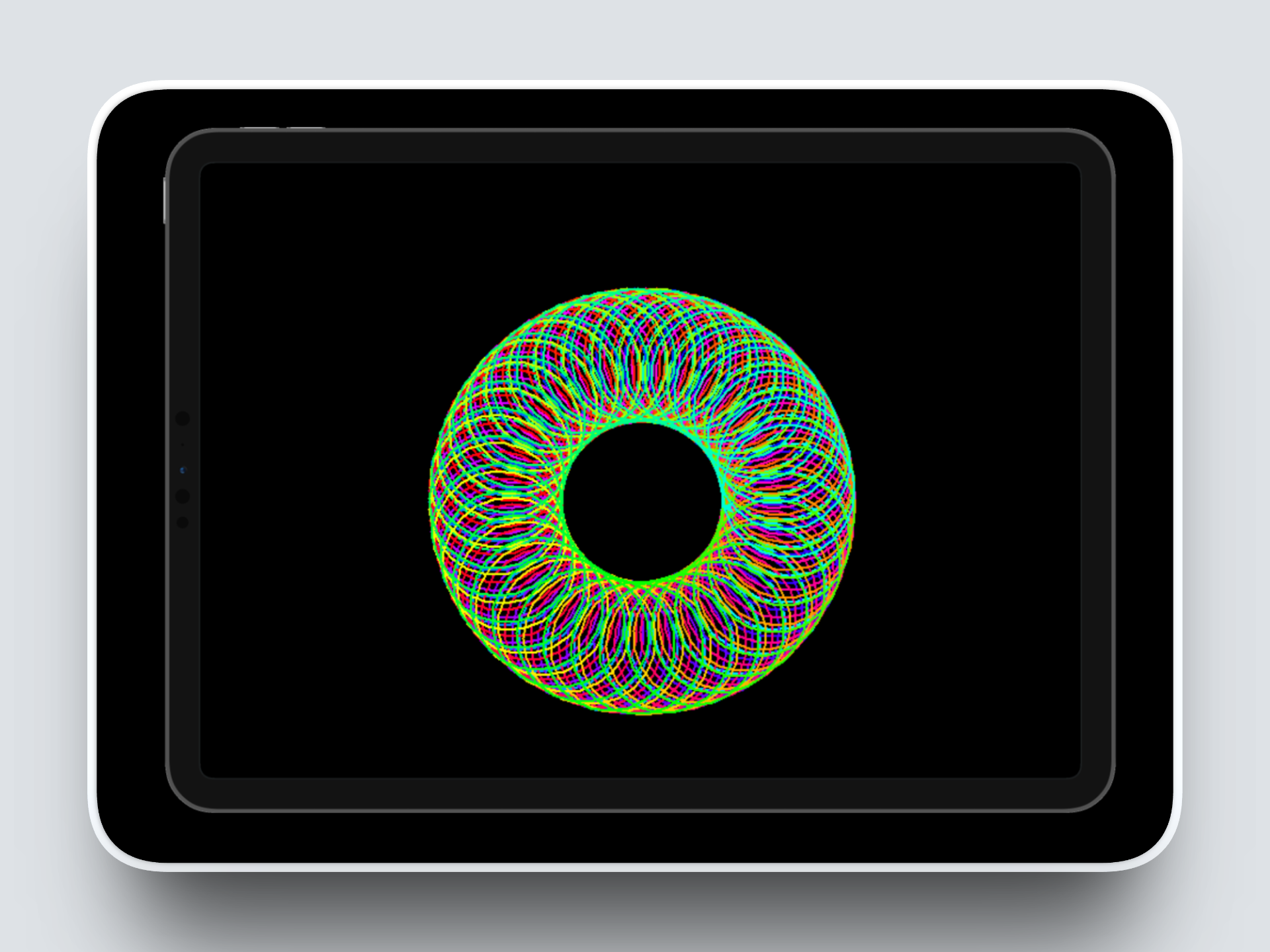
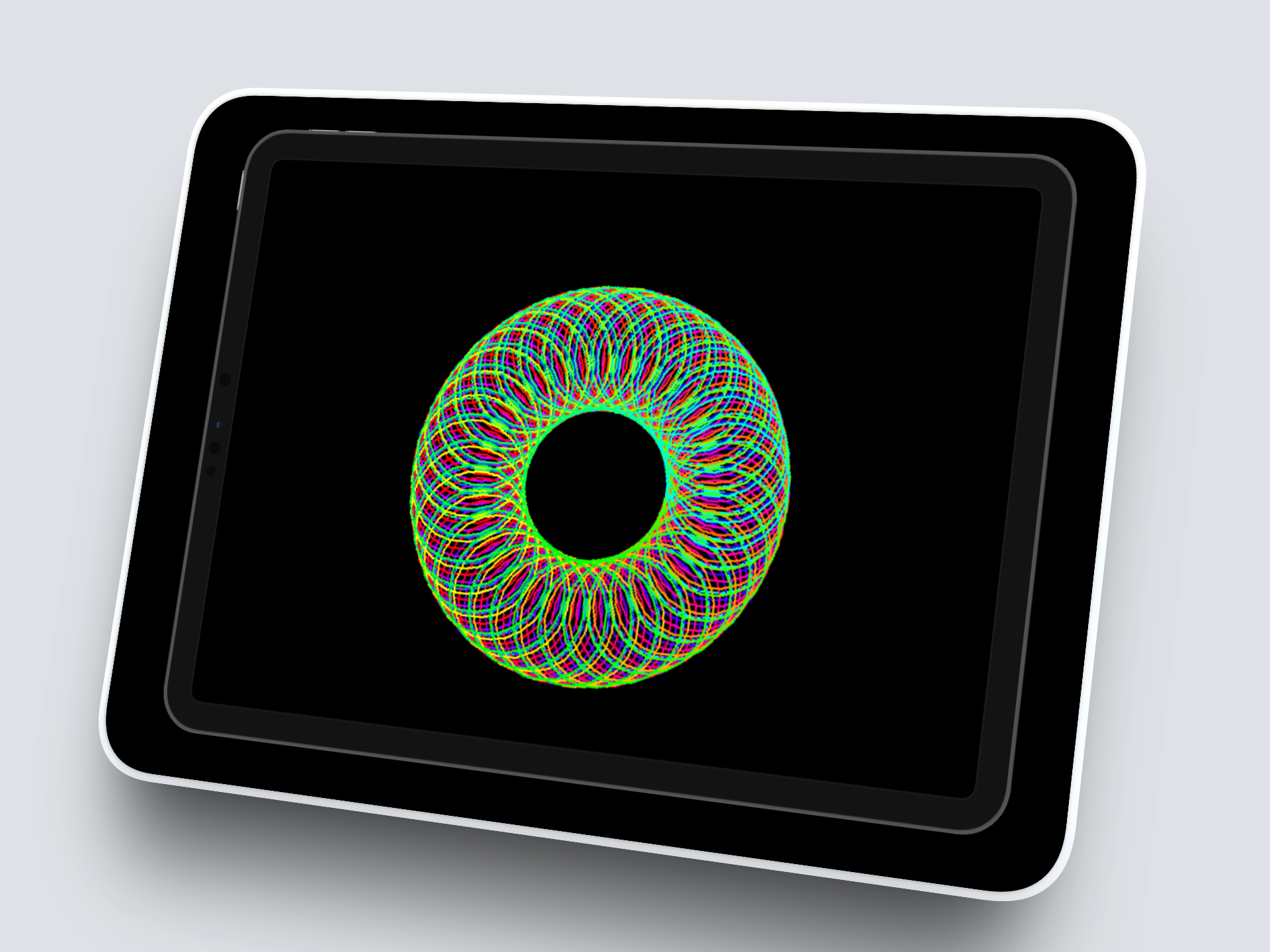
I created a circular neon pattern using Python’s built-in turtle graphics library. The pattern is made by drawing overlapping circles while slowly changing colors using the colorsys library. Each circle is slightly rotated and moved forward, which creates a glowing, neon-like circular effect.
This project helped me practice loops, color manipulation, and turtle movement in a visual and interactive way.
What I Learned
How loops work in Python
How to use the turtle graphics module
How to manipulate colors with the colorsys library
How small changes in angles and distances affect the pattern
How to combine math and programming to create visual effects
How it Works
The programe:
Moves the turtle to a starting position
Gradually changes the color for each circle using hsv_to_rgb
Turns and moves the turtle slightly before drawing the next circle
Repeats this in a loop to create a smooth, circular neon pattern
This combination of rotation, movement, and color creates a glowing, repeating design.
A Challenge That I Faced
At first, the circles in my neon pattern didn’t line up properly and the design looked messy. I didn’t realize that the angles and step size for the turtle needed to be very precise, and even small differences made the pattern uneven. I solved this problem by making some changes in the code to adjust the turning angles and the distance the turtle moves forward, I made some changes in the code. This taught me how important it is to experiment with numbers and see how small changes in the code can completely change the final result.
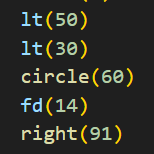
This is the specific change I made in the code. After making this change the pattern became smooth and evenly spaced.