Memory Game
The Problem Solved
I wanted to create a game that:
Requires memory and logical thinking
Has visual interaction (click-based gameplay)
Uses randomness so each game is different
This project helped me understand how to combine user input, visual updates, and game logic in one system.
Project Overview / Goals
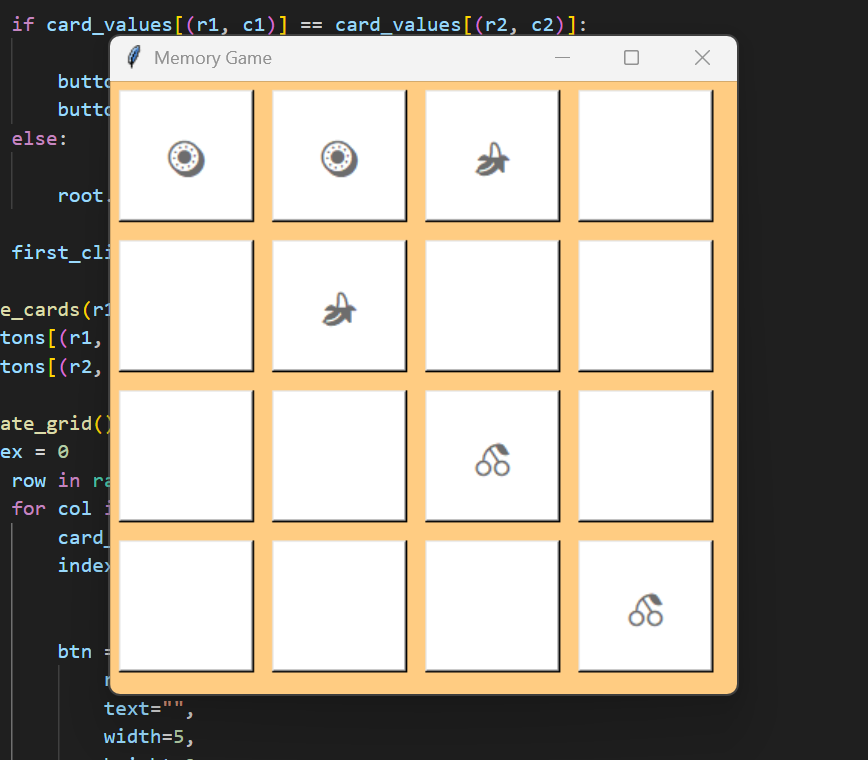
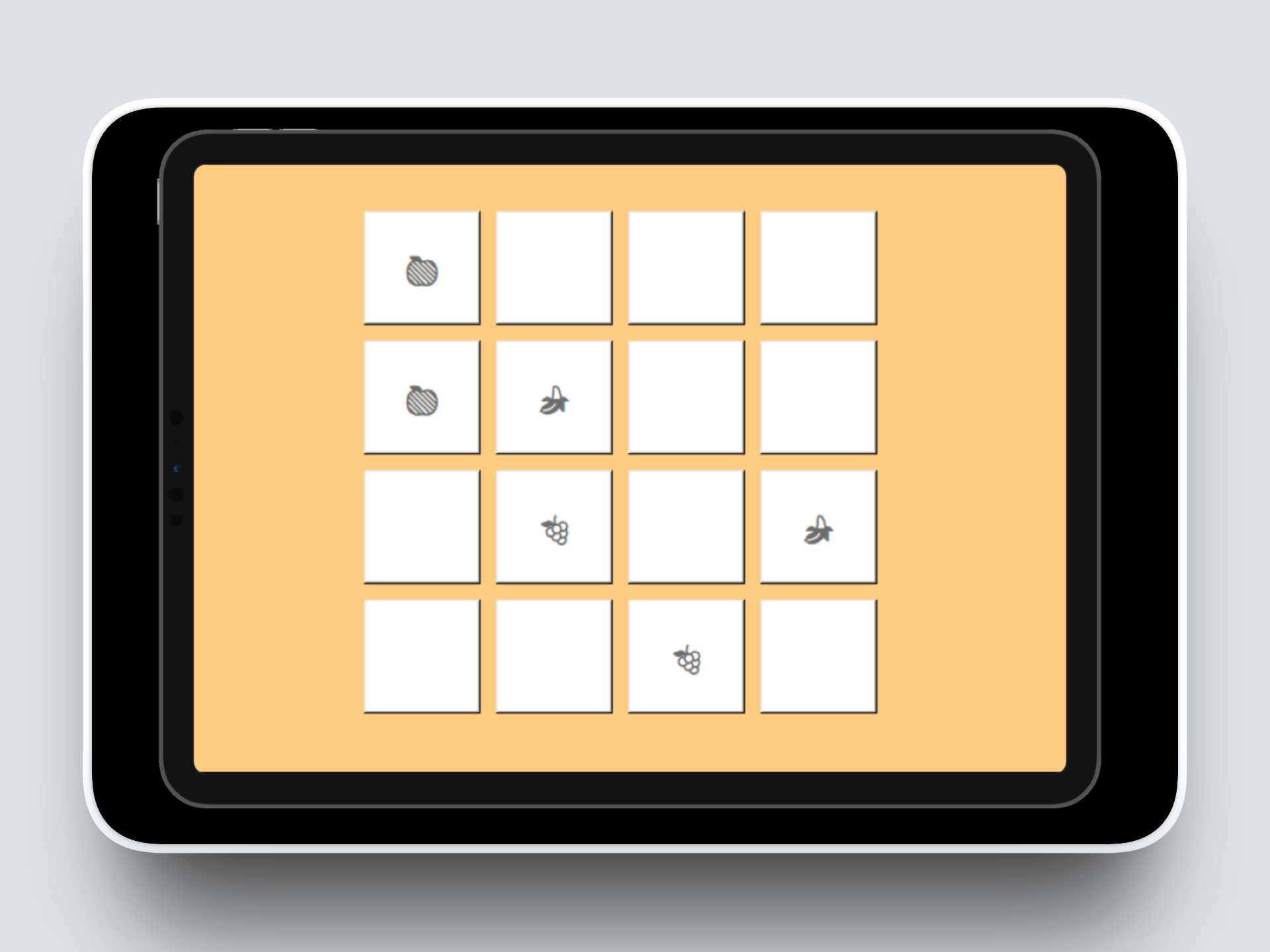
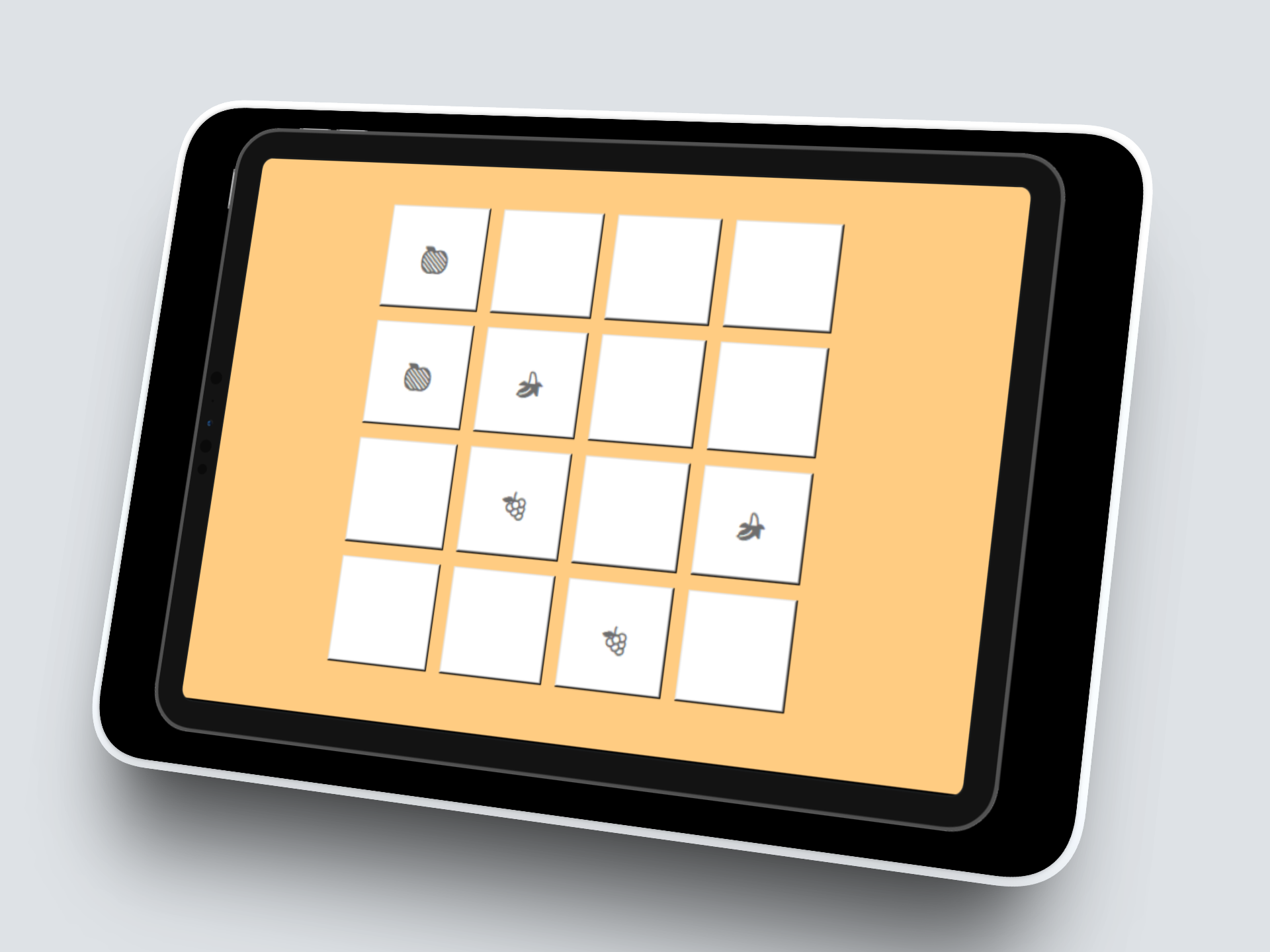
Developed a Memory Matching Card Game using Python and Tkinter. The game displays a 4x4 grid of hidden cards. Players click two cards at a time to try and find matching pairs. If the cards match, they remain visible. If not, they flip back after a short delay.
The goal of this project was to:
Build an interactive game with a GUI
Practice logical thinking and condition checking
Learn how to manage game state
Visuals & Explanation
Language Used
Python
Libraries Used
tkinter: GUI Development
random: Shuffle card positions
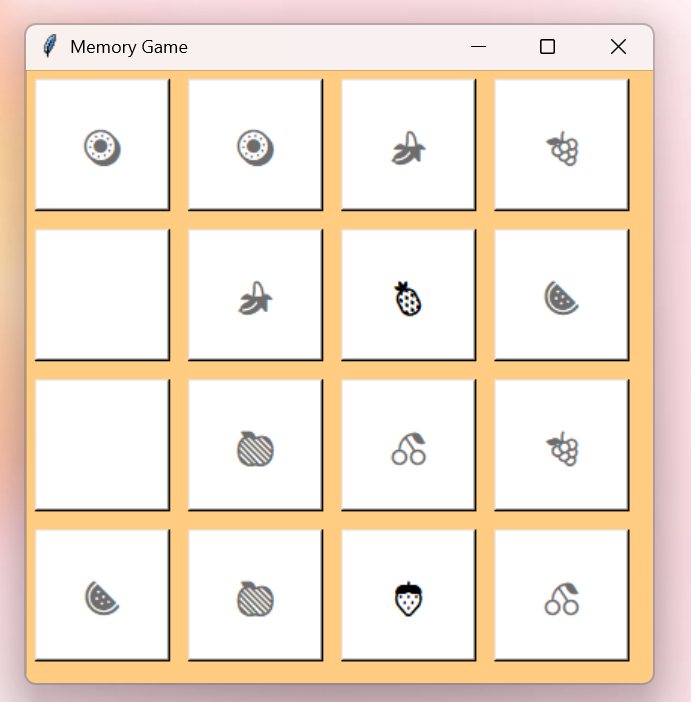
In the first visual of the memory game, the user clicks on two cards to try and find a matching pair. If the icons on both cards match, the program recognizes the match and disables those buttons, which makes the icons turn grey to show they have been successfully matched. If the icons do not match, the program keeps the cards “active,” and the icons stay black. They are disabled using state='disabled'. When a button is disabled, it automatically changes appearance making it look like the icon fades or becomes greyed out.
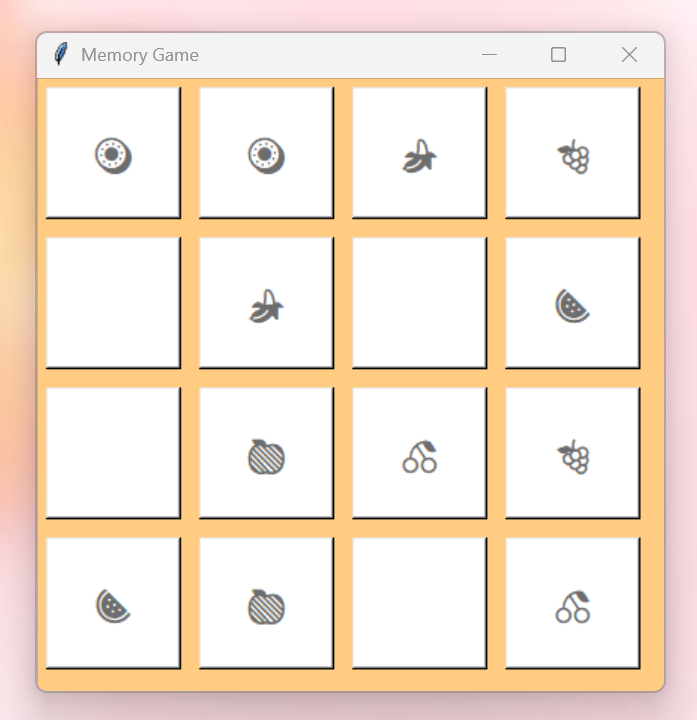
When a user clicks on two cards that don’t match, the game shows the icons briefly so they can see what they selected. After a short delay (1000ms), the cards are automatically flipped back over and hidden again. This gives the user a chance to remember the positions of the cards, learn from their guess, and try again without immediately revealing the correct pair. It’s a simple way to help users practice memory and improve their chances of matching cards in future turns. This was done using the hide_cards function which is the function that removes the card icons by setting their text back to an empty string.
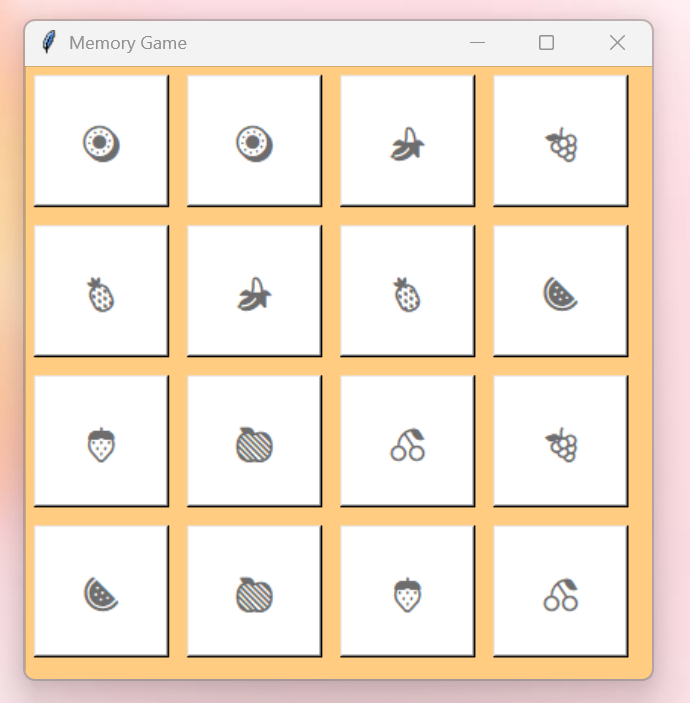
After all the cards have been correctly matched, the icons remain visible, showing the user that they have successfully completed the game and all pairs have been found. This gives a clear visual confirmation of completion and a satisfying sense of accomplishment.
Role & Contributions
Designed and implemented the full grid layout
Created matching logic
Implemented click-based interaction
Used random shuffling to vary card positions
Managed game state
Technical Approach
Grid Creation Module: Created a 4x4 grid of buttons using Tkinter. Each button represents a hidden card. Stored card values (emojis) in a dictionary that maps each grid position to its assigned card. This helped me understand how to organise data using dictionaries.
Random Card Assignment: Created a list of emoji pairs and used random.shuffle() to mix them before placing them in the grid. This ensures the game layout is different each time. This introduced me to the concept of randomness
Click Interaction System: Each button is connected to the on_click() function. When a card is clicked, it reveals the emoji by updating the button’s text. This allowed the program to respond immediately to user clicks.
Match Checking Logic: Tracked the first selected card using a variable called first_click. When the second card is clicked, the program compares both card values:
If they match: Both buttons become disabled
If they do not match: Cards are hidden again after 1 second
This helped me practice conditional logic and comparison operations.
Delayed Card Hiding: Used root.after(1000, ...) to delay hiding unmatched cards. This allowed players to briefly see both cards before they flip back.
This introduced me to timed actions in GUI applications.
Outcome
Created a fully playable memory matching game
Implemented matching and non-matching logic
Added randomised card layout
Managed multiple game states
Skills I Developed
1. State Management
Learned how to track user actions (first click vs second click).
2. Conditional Logic
Used if-else statements to check for matches and determine outcomes.
3. Working with Dictionaries
Stored card positions and values in a structured way.
4. Randomisation
Used random.shuffle() to make gameplay dynamic.
5. GUI Interaction
Connected button clicks to backend logic and visual updates.
6. Time Actions in Applications
Used delayed functions to improve user experience.
The UX Design Process:
What I Did
Desktop Research
Ideation
Usability Testing
Development
Refinement
My Tools
Paper Prototype
Python
Tkinter
About Memory Game
This project is a Memory (matching) game made using Python, where players flip cards to find matching pairs. The game features a 4×4 grid of clickable cards that reveal emojis when clicked and stay revealed when matched, providing a fun and interactive way to test memory skills.
Project Goals
Enhance Cognitive Skills: Design a game that improves memory, concentration, and pattern recognition by requiring players to match pairs of hidden cards.
Develop an Interactive GUI Application: Create a user-friendly graphical interface using Python (Tkinter) that allows players to interact with the game through clickable cards and visual feedback.
How I conducted Desktop Research
I conducted desktop research by exploring existing memory and matching games online to understand common features, layouts, and user interactions. I looked at examples of digital and mobile memory games, read tutorials on creating games with Python and Tkinter, and studied ideas for card designs, grid layouts, and interactive elements to make the game engaging and visually appealing.
Ideation (Wireframing)
I conducted ideation by drawing sketches of the game layout, experimenting with different grid sizes, card arrangements, and visual designs. This helped me plan the interface, decide on how cards would flip and match, and visualize how players would interact with the game before starting the coding process.


Conducting Usability Testing
Next, I conducted Usability Testing by having friends and family play the game to observe how easily they could understand and interact with it.
Participant 1 noted that while the game was enjoyable, the card emojis were relatively small and difficult to see, suggesting that larger emojis would improve the overall experience.
Final Designs
Finally, I improved the overall user experience by implementing the suggested changes, including enlarging the card emojis, adding a short delay before unmatched cards flipped back, and centering the game grid on the screen.
During development, one challenge I faced was preventing the player from clicking additional cards while two cards were being checked for a match; I overcame this by temporarily disabling input during that period. Another challenge was ensuring that the buttons correctly displayed the emojis without disappearing or resizing inconsistently, which I solved by carefully adjusting the button font size, width, and height while maintaining consistent layout settings. These refinements made the game more visually appealing, intuitive, and enjoyable for players.