Workout Generator
Project Overview/Goals
Created a Custom Workout Generator using Python and Tkinter. This program allows users to select their personal options like gender, age, fitness goals, fitness level, preferred equipment, and muscle groups. The program then generates a customized workout plan based on the selected options.
The goal of this project was to:
Build an interactive GUI application
Practice handling multiple user inputs
Learn how to generate dynamic content based on user selections
The Problem Solved
I wanted a program that:
Collects personal information and preferences from users
Provides a tailored workout plan instantly
Uses simple logic to combine multiple inputs
Offers a user-friendly and interactive experience
This project helped me understand how to design forms, checkboxes, radio buttons, and dynamic output in Python.
Visuals & Explanation
Language Used
Python
Libraries Used
tkinter: GUI Design & Layout
random: optional randomness for future enhancements
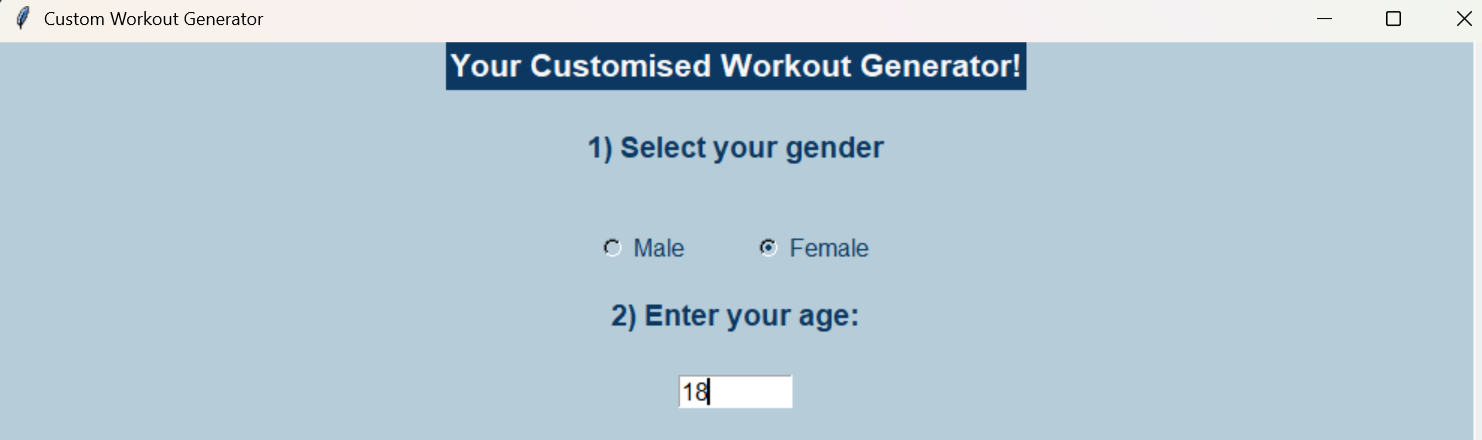
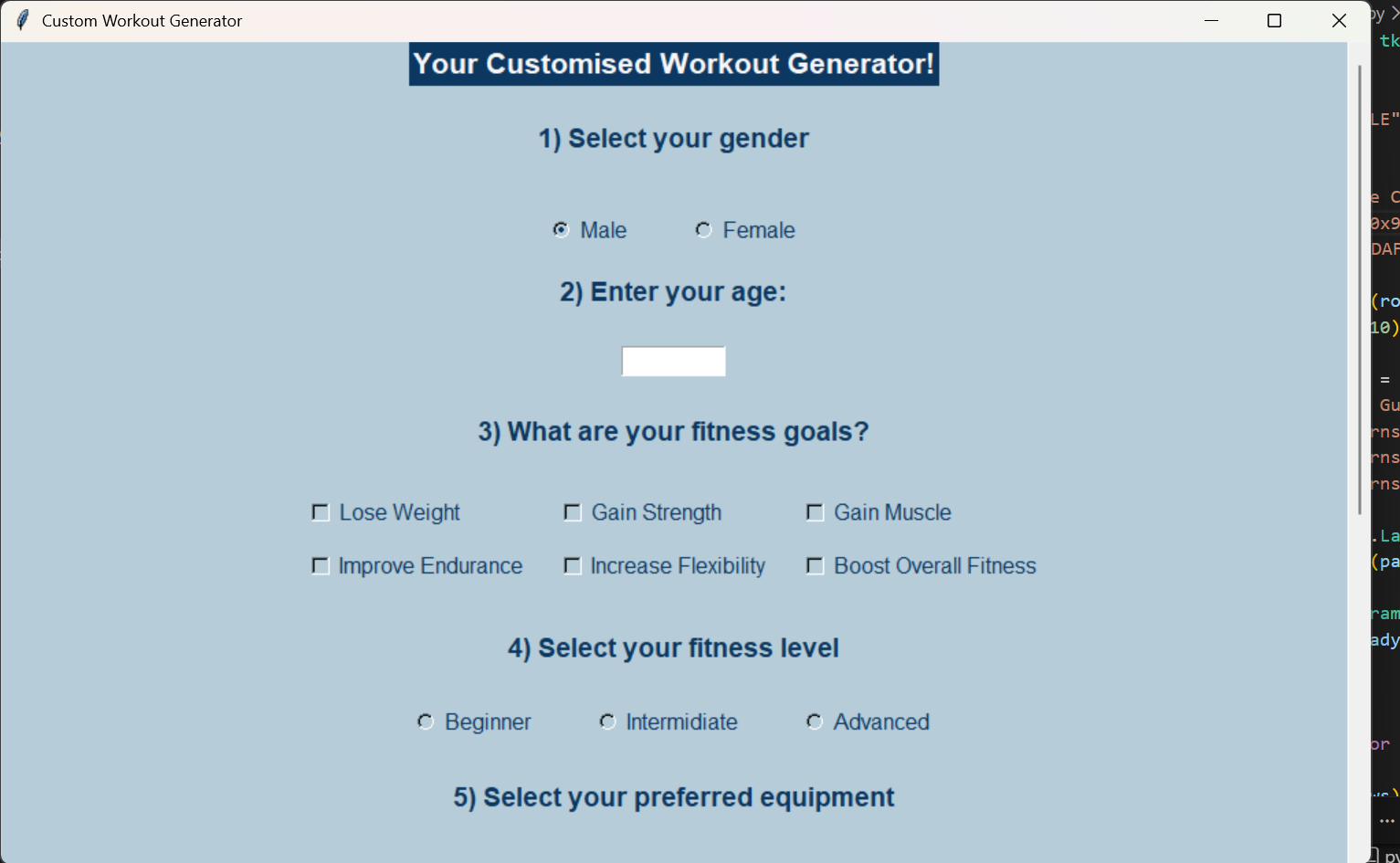
In this section, the user first selects their gender and then enters their age into the input box. I designed this step so the workout generator can collect some basic information about the user before creating a workout plan. The user begins by selecting their gender from the available options, which helps the program tailor the workout recommendations more appropriately. After selecting their gender, the user is asked to enter their age in the input box. This allows the program to take age into account when generating the workout routine, ensuring that the exercises suggested are suitable and realistic for the user. By collecting these details at the start, the program can generate a more personalized workout plan rather than giving the same routine to everyone. This makes the application feel more interactive and user focused.
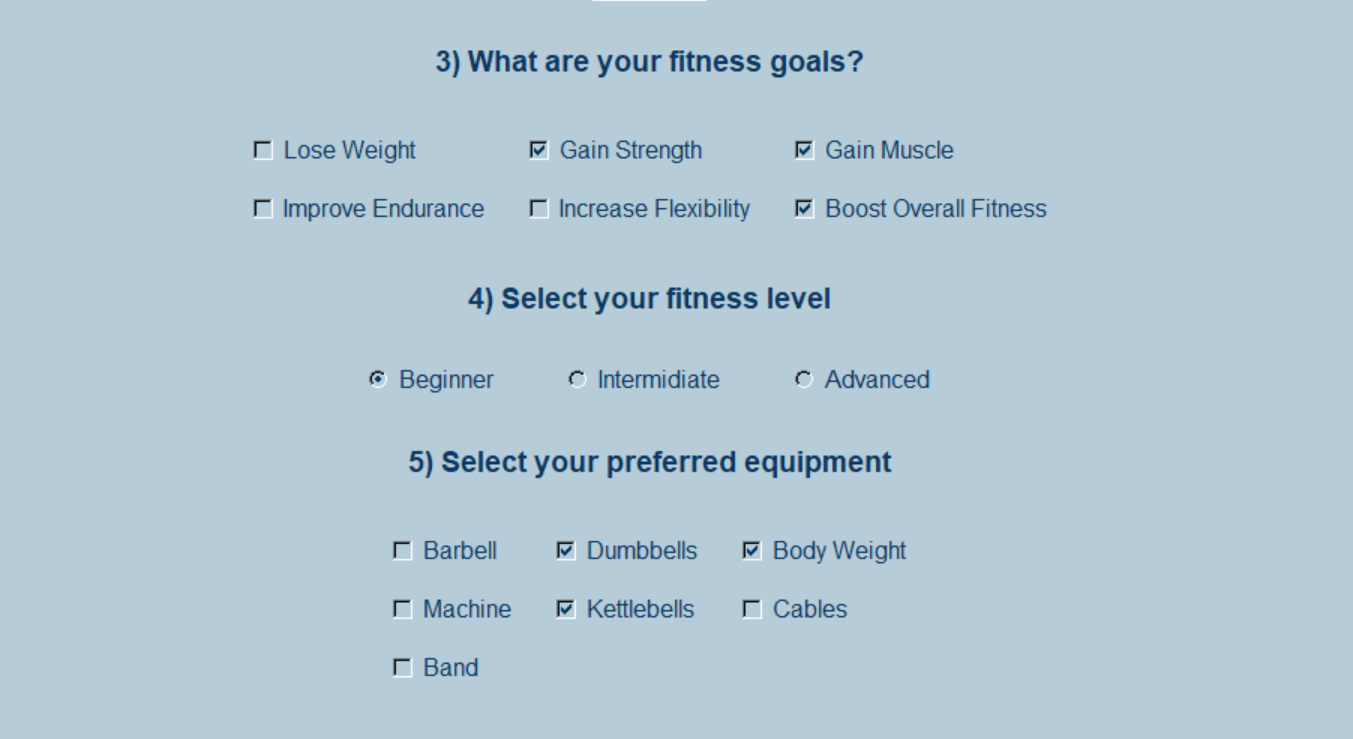
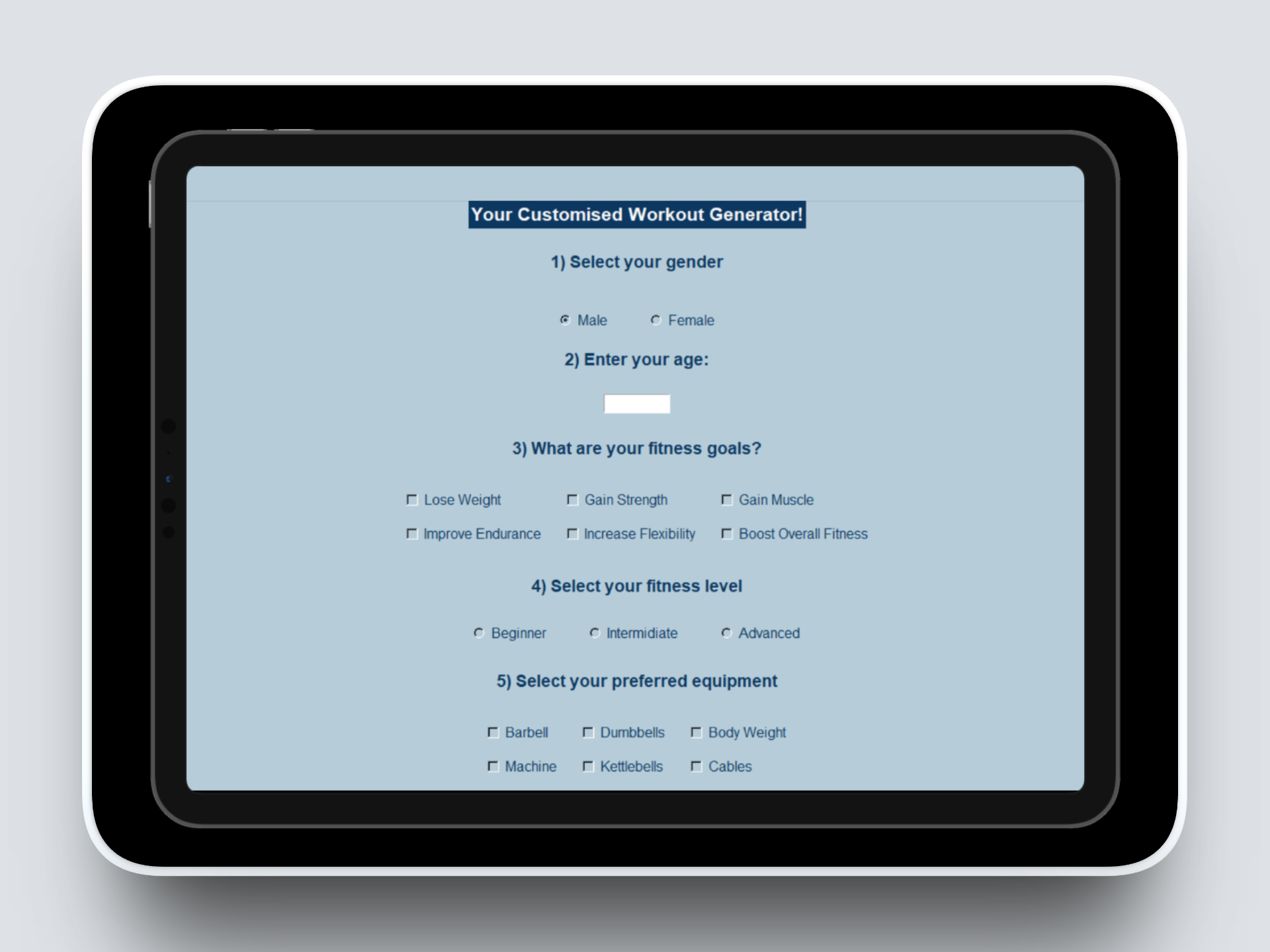
Afterwhich, the user is asked to provide more details about their workout preferences. This includes selecting their fitness goals, their current fitness level, and the type of equipment they prefer to use. These options help the program better understand what kind of workout routine the user is looking for. For example, a user may choose goals such as building strength, improving endurance, or general fitness, while their fitness level might be beginner, intermediate, or advanced. To make the interface simple and easy to use, I used radio buttons and checkboxes. Radio buttons were used for options where the user should select only one choice, such as their fitness level. Checkboxes were used where users could select multiple options, such as the equipment they have available. These selections were created using Tkinter widgets for radio buttons and checkboxes. Each option was linked to a variable that stores the user’s choice when it is selected. When the user clicks the generate workout button later, the program retrieves these stored values and uses them to decide which exercises to include in the workout plan.
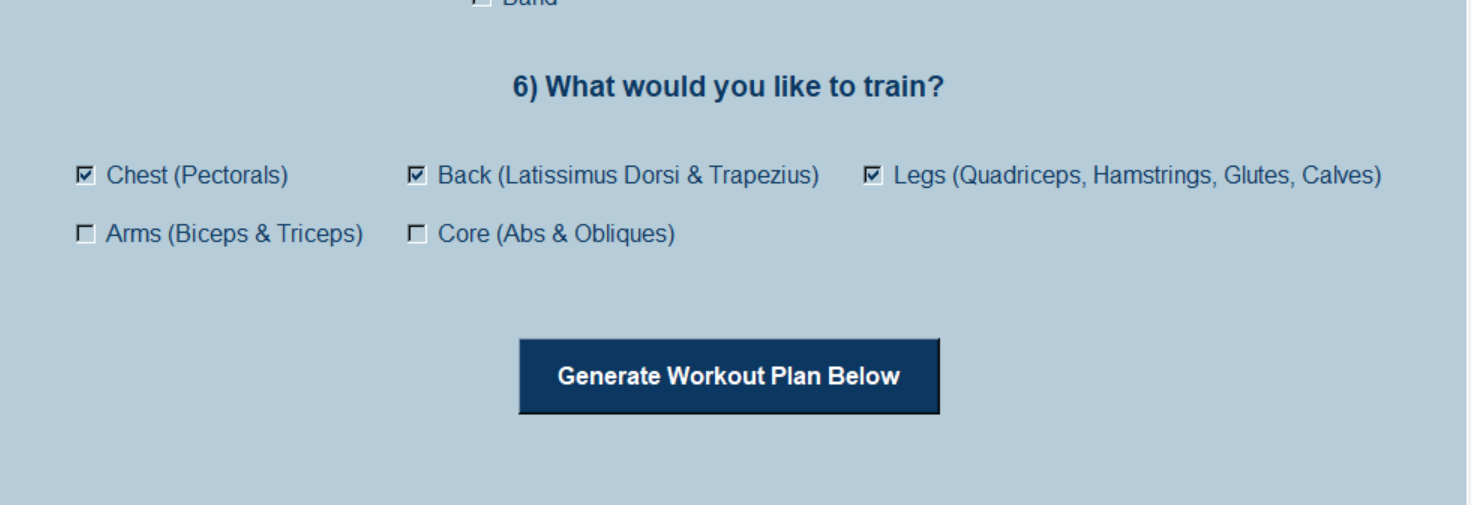
Next, the user is asked which part of their body they would like to specifically train. This allows the workout generator to focus on certain muscle groups rather than giving a completely general workout. For example, a user may choose areas such as arms, legs, core, or full body depending on what they want to improve. To make this selection easy for the user, I used checkboxes so they can choose one or multiple body parts they want to train. This makes the workout plan more flexible, since some users may want to focus on more than one muscle group in a single session.
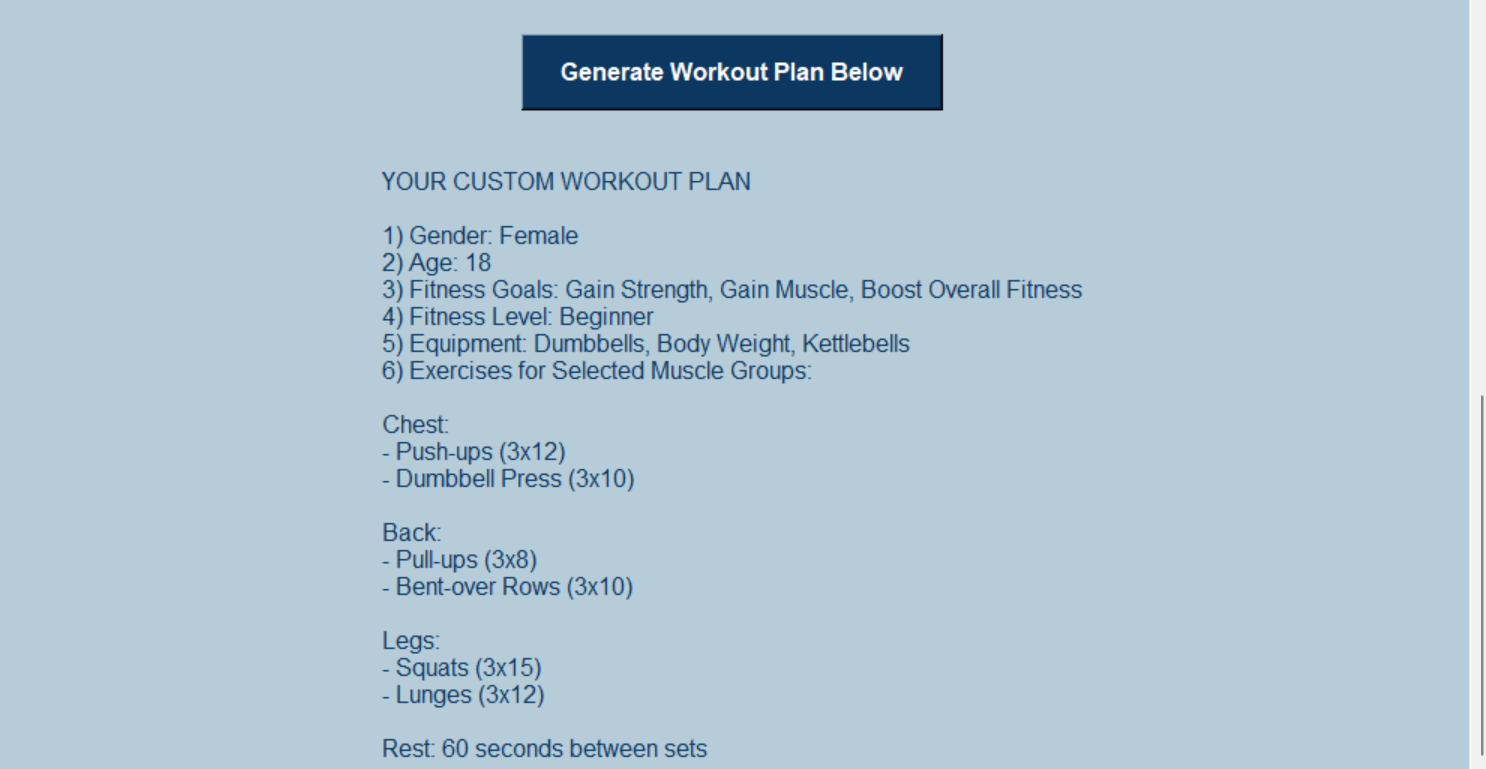
The user then clicks the generate workout plan button after filling in all their preferences. Once the button is pressed, the program collects all the information the user previously entered, such as their gender, age, fitness goals, fitness level, preferred equipment, and the body parts they want to train. The program then processes these inputs and matches them with a set of exercises that best fit the user’s selections. Based on this information, it generates a workout routine that is tailored specifically to the user’s needs and preferences. The generated plan is then displayed on the screen so the user can clearly see the exercises recommended for them. This approach makes the workout generator more personalized, since the routine is not random but instead created using the user’s own inputs to provide a more relevant and useful workout plan.

Another feature included in the plan is the rest time between exercises. The rest time is not the same for every workout; it varies depending on the user’s selection on their fitness level. For example, in the previous visual, it can be seen that the rest time is 60s because the user selected beginner as their fitness level. However, in this visual the rest time is 30s only because the user selected advanced as their fitness level. This helps make the workout plan more realistic and balanced, ensuring users have enough recovery time between exercises while still maintaining an effective workout session.
Role & Contributions
Designed and built a scrollable user input form
Implemented multiple selection options including checkboxes and radio buttons
Wrote logic to combine all sections into a structured work out plan
Connected button clicks to the backend function for generating workouts
Managed validations to ensure all sections were filled
Technical Approach
Input collection module: Used Tkinter widgets like Entry, Radiobutton, and Checkbutton to get user input. Stored input values in variables so the program can use them later.
This helped me understand how to gather multiple types of user data.
Logic for Workout Generation: Collected all selected options and used Python lists and if-statements to build a workout plan dynamically. For example:
Checked which goals and muscle groups were selected
Combined exercises into a single output
Added rest times depending on fitness level
This taught me how user selections can be processed into structured results.
User Input Response (Button Interaction): Connected the “Generate Workout Plan” button to the generate_workout() function.
When clicked:
The program retrieves all user inputs
Validates that no section is empty
Builds a workout plan string with exercises, rest times, and selections
Displays the result in the output area
This showed me how user actions trigger backend logic.
Outcomes
Created a fully functional custom workout generator
Built a long scrollable form with multiple selection options
Generated dynamic, structured workout plans
Added conditional logic for rest times based on fitness level
Learned to connect multiple widgets to a single output
Skills I Developed
1. GUI Design & Layout
Improved ability to create scrollable forms and structured interfaces.
2. Handling Multiple User Inputs
Learned to manage radio buttons, checkboxes, and text entries together.
3. Conditional Logic & Dynamic Output
Built logic to generate a result based on multiple input conditions.
4. Button Interaction
Connected button clicks to backend logic for immediate feedback.
5. User Validation
Implemented checks to ensure users fill in all sections before generating a plan.
6. Combining Data into Structured Results
Learned to combine multiple inputs into a clear, readable plan.
The UX Design Process
What I Did
Desktop Research
Ideation
Usability Testing
Development
Refinement
My Tools
Figma
About Workout Generator
This project is a Workout Plan Generator built with Python and Tkinter that creates personalized fitness plans based on user inputs like goals, fitness level, equipment, and muscle groups. It validates selections and dynamically generates a structured workout plan with exercises and rest times. The project showcases my skills in GUI development, user input handling, and conditional logic in Python.
Project Goals
Create a user-friendly interface that allows users to input their fitness goals, level, equipment, and target muscle groups to generate a customized workout plan.
Automatically generate structured workout plans with exercises and rest times based on user selections, ensuring all sections are completed for a personalized experience.
How I conducted Desktop Research
I researched online fitness resources and workout routines from reputable websites and videos to understand how different plans are structured for various goals and fitness levels. Additionally, I surveyed a few people to learn what features and exercises they would like to see in a custom workout generator. This combination of research and user feedback helped shape the app’s logic and ensure the generated plans were realistic and engaging.
Ideation (Wireframing)
I then started the ideation process by sketching out the app’s layout and user flow on paper, planning how users would navigate through sections like gender, age, goals, equipment, and muscle groups. This helped me visualize the interface, organize the elements logically, and ensure a smooth and intuitive user experience before coding.


Conducting Usability Testing
Next, I conducted usability testing of the wireframes by seeking input from three participants to evaluate how easy and intuitive the interface was.
Participant 1 suggested making the section headings more prominent to help users quickly identify each part.
Participant 2 recommended adding a “Generate Workout” button closer to the muscle selection section for easier access.
Participant 3 noted that some checkboxes were too close together and could benefit from more spacing for clarity.
Final Designs
Finally, I improved the app by implementing dynamic validations to ensure users select options for every section and refining the layout to make it visually appealing and user-friendly. I also enhanced the workout generation logic so that it provides personalized exercise plans based on user inputs.
Two challenges I faced while coding were ensuring only one fitness level could be selected, which I solved by replacing checkboxes with radio buttons, and displaying the generated workout plan dynamically below the button, which I overcame by creating a single result label linked to the button’s command function so it updates each time the user clicks “Generate Workout Plan.”